White Screen Issues in Tablet and E-Reader
Paramount Tech Solution

Paramount Tech Solution
Have you noticed a small white dot or bright spot on an iPad screen that does not go away? Tablets and e-readers are essential devices for reading, browsing, and entertainment, but suddenly, your screen becomes white and unresponsive. It usually happens due to outdated software, charging problems, full storage, dust or moisture damage or hardware problems.
This issue can be solved by restarting the device, updating your device, fully charging it, clearing your cache, or checking for physical damage. Our blog provides complete details on are causes of white spots on iPad, white screen on e-readers and how to solve tablet and e-reader issues easily.
Here is a quick difference between a tablet and an e-book reader;
Tablet
For example, iPad, Samsung Galaxy Tab, Huawei Matepad.

E-reader
For example, Kindle, Kobo, Nook

A white dot or bright spot on the iPad screen is usually caused by pressure damage to the backlight inside the display, which can happen if the iPad is pressed, dropped, bent, or carried tightly in a bag.
Sometimes the dot may be in a tiny stuck pixel, but if the spot looks like a small glowing patch that is more visible on light backgrounds and does not move or disappear after restarting, it's normally a hardware issue rather than a software issue.

Tablets and e-readers have become essential devices for reading, entertainment work. One of the most common problems users face is the white screen issue, or white dots on their tablet screen due to dead or stuck pixels, LCD or backlight issue, overheating or moisture or water damage. Here are the details;
If you see a small bright white spot on your iPad screen or Kindle, it's often caused by pressure damage. For example;
White dots can also appear due to stuck pixels, tiny display points that stop working normally. It includes;
If your iPad screen turns white, or you get a white screen on tablets, it may be due to a system crash, a bad update, an app bug, memory freeze. This condition is usually called the white screen of death.
LCD or backlight panel defects occur when the display fails to show images correctly due to issues in the screen layers or illumination system. Common problems include dead pixels, flickering, uneven brightness, dark spots, or a completely black screen.
When tablets heat up, the screen can fade, turn white, or show bright spots. Let the device cool down and restart it.
When liquid seeps into internal components, it can short-circuit the display connections, damage the LCD or backlight, or affect the graphic controller. Moisture can affect the backlight and pixels, causing random white patches.
If you notice a white spot on the screen of the display, it can happen due to dead or stuck pixels, pressure, overheating or moisture damage. Here are some fixes that can resolve your white spot on tablets;
iPad with home button: Press and hold home+power until the Apple logo appears
iPad without home button: Quickly press volume up, then volume down, then hold power until the Apple logo appears. This action usually solves the software glitches.
Fully charge the device for 2 to 3 hours.
Check if the screen returns to normal after charging
Outdated software can also lead to some abnormalities in the display.IOS usually releases its updates to resolve bug issues. Updating your iOS version can usually solve minor problems. So, try to install all these updates to prevent from white screen on the display.
If the white spot still persists, then you should go to the nearest Apple store and report he issue to their team, who will fix your screen issue on your iPad.
A white screen on Kindle usually occurs when the device is powered on, but the display remains blank or completely blank. This prevents you from reading, navigating menus or using the device normally.
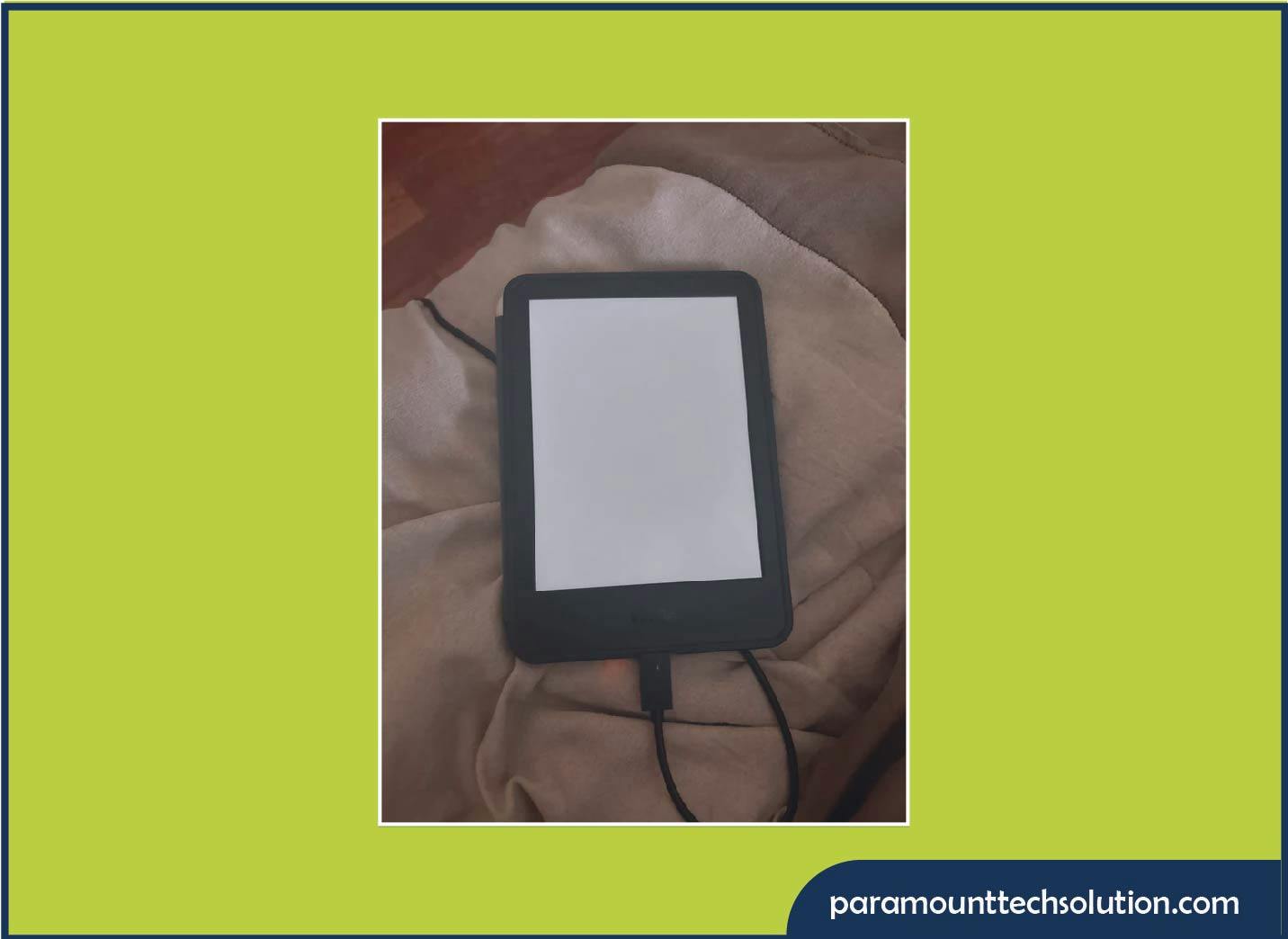
A white on Kindle usually indicates a display or software issue. It usually happens due to software glitches, battery or power issues, LCD/ink display damage or moisture exposure. Here are the details;
Kindle may freeze or crash due to corrupted software updates or glitches. Sometimes, the device may appear unresponsive, and a simple reboot is enough.
Kindle device can sometimes face battery or power problems, such as not turning on, draining quickly or shutting down unexpectedly. Low or faulty battery connections can prevent the screen from refreshing.
Physical damage, such as drops or pressure on the screen, can break the display. E-ink displays are delicate; any crack or separation in the layers can cause a white screen.
Loose or damaged internal connectors between the motherboard and display can prevent the screen from showing content. This happens due to drops, shaking or manufacturing faults.
Liquid exposure can short-circuit components or damage the display layers. Water inside the Kindle can cause a completely white screen or flickering before it
If your Kindle screen suddenly turns white or blank, it is usually caused by software glitches, a low battery, or internal E-ink screen issues. Most white screen problems can be temporarily resolved by software reset, charging the device, checking for water damage, and checking for hardware-related problems, which require professional repair or screen replacement.
Hold the power button for 20 to 40 seconds until the device restarts. This can fix minor software glitches.
Fully charge the Kindle for at least 2-3 hours. Then release and restart your device. Test to see if the screen returns.
If it has been recently exposed to moisture, keep it off and let it dry completely. Do not use a hair dryer or heat directly.
If the problem persists, it is likely hardware-related (LCD, E-ink or connectors).
Opening the device and repairing or replacing the screen is best done by authorised service centres.
Here are some preventions that can keep your device running for a long time;
Tablet and e-readers are reliable devices, but they can face issues like charging problems, freezing, battery drain, touch screen errors and wi-fi issues. Most problems can be solved through simple restarts, updates, cleaning ports and managing storage, but hardware issues should always be handled by a professional. Taking care of your device, charging it properly and avoiding overload will keep it running smoothly for years.
Why does my Samsung tablet hand or freeze?
It happens due to low storage, a weak processor, too many apps, outdated software or overheating.
Why does my e-reader screen go white suddenly?
It usually happens due to a freeze, low battery or screen damage.
If my Kindle fell and now shows white screen, can I fix it?
No, E-Ink screens are damaged internally and must be replaced.
Are white spots on tablet screens fixable?
Sometimes it can be fixed, but usually screen replacement is needed if internal layers are damaged.